
Feature Guide
Image to Video
Transform images into dynamic videos
Image to Video lets you bring static images to life. Upload any image and describe the motion you want - the AI will animate it while preserving the original visual style.
Generated Video - Auto playing
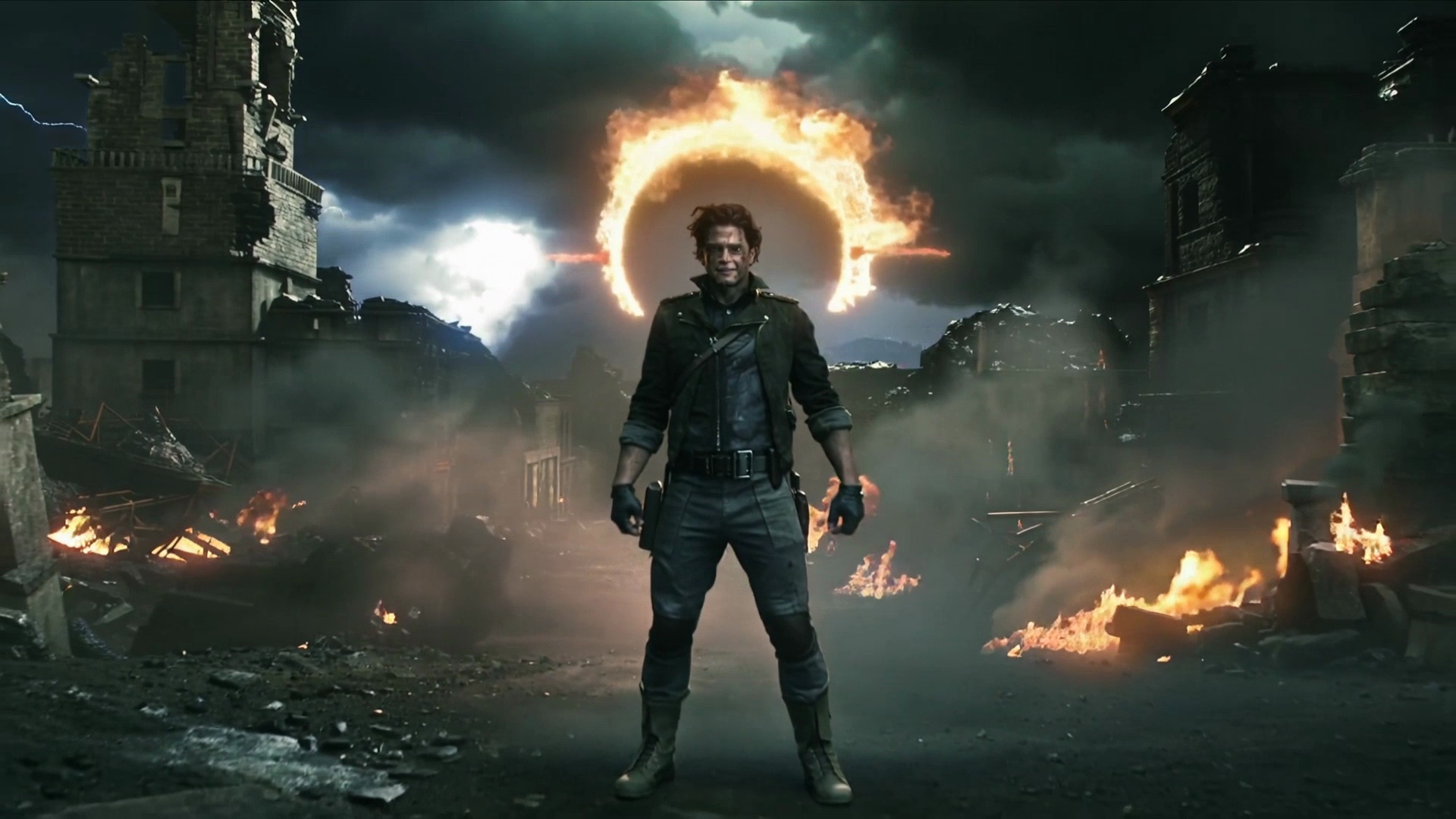
↑ Source image used to generate the video above
When to Use Image to Video
- You have product photos to animate
- You want to maintain brand consistency
- You have artwork or illustrations to bring to life
- You need the video to match a specific visual
Image Requirements
Formats: PNG, JPG, JPEG, WebP
Max Size: 25 MB
Recommended: 1024x1024 or higher
Aspect Ratio: Will be cropped to match selected ratio
Step-by-Step Workflow
1. Prepare Your Image
Choose a high-quality image. The clearer the image, the better the animation.
- •Use high-resolution images for best results
- •Ensure good lighting in the source image
- •Simple compositions animate more reliably
2. Upload the Image
Click the upload area or drag and drop your image. Preview appears immediately.
3. Set Parameters
Choose aspect ratio and duration. The image will be cropped to fit.
4. Describe the Motion
Write a prompt describing what should happen in the video.
"The woman turns her head and smiles""Camera slowly zooms in with soft focus""The product rotates 360 degrees"5. Generate & Review
Generate the video and review the animation. Iterate as needed.
Types of Motion to Request
Subject Motion
Movement of the main subject
walkingdancingturning headwaving
Camera Motion
Virtual camera movement
zoom inpan leftorbit arounddolly forward
Environmental
Background and atmosphere
wind blowingclouds movinglight shiftingparticles floating
Pro Tips
- •Start with simple motions - walking, turning, zooming
- •The image subject should be clear and well-defined
- •Avoid requesting motion that contradicts the source image
- •Use camera motion prompts for static objects
- •Portrait images work great for head turns and expressions
Limitations
- •Complex actions may not preserve the original image perfectly
- •Very detailed backgrounds may have artifacts during motion
- •Extreme motion requests may cause distortion
- •Text in images may become blurry during animation